Nexa
A fresh starting point for your Shopify storefront.
Explore the working demo to review product discovery, collection layouts, and product presentations before deciding whether Nexa fits your brand.
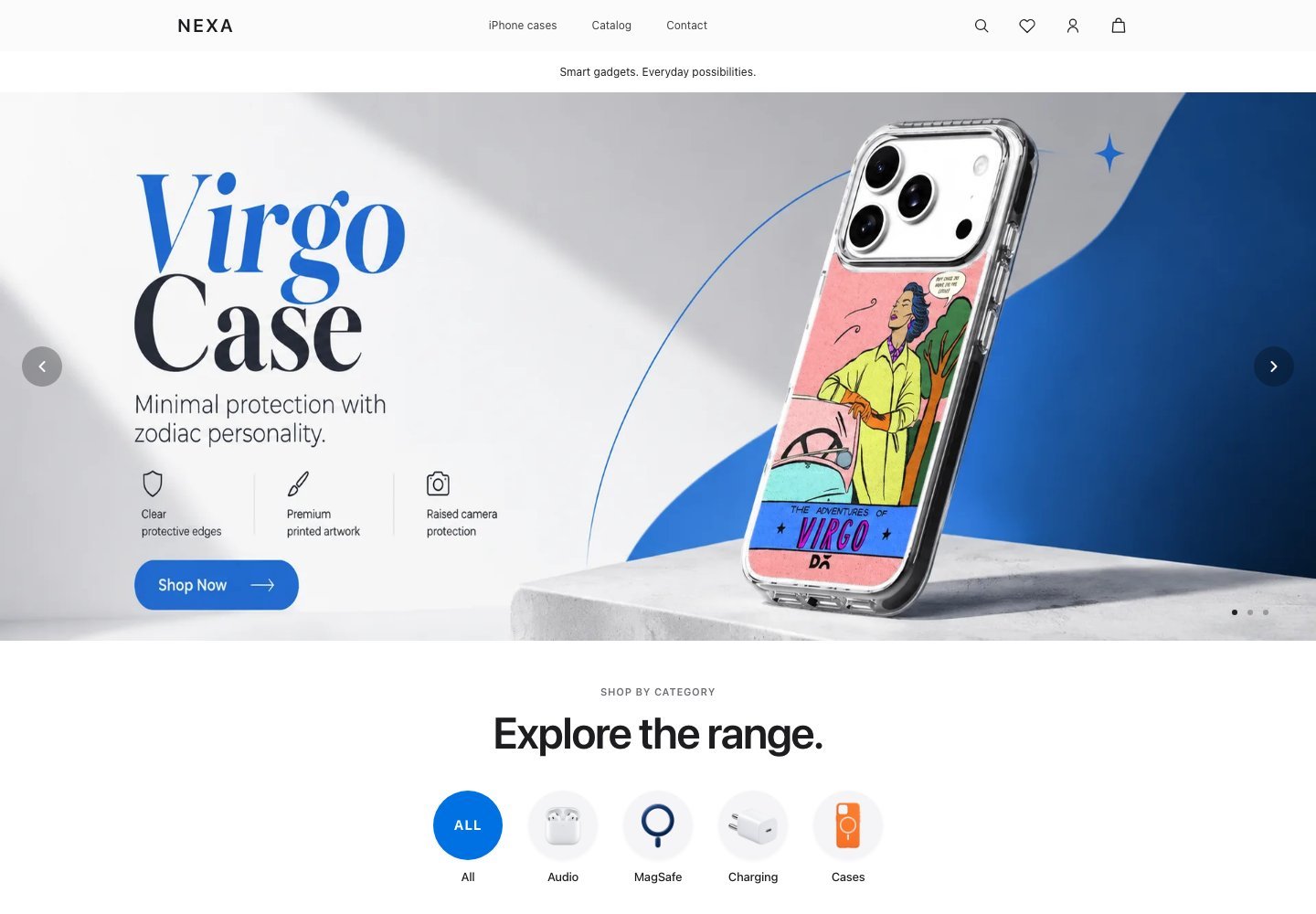
Explore before you choose
- Browse the product and collection experience in the demo.
- Review the layout on both your phone and desktop.
- Share your required integrations so compatibility can be assessed.
- Discuss which parts of the layout you want adapted to your brand.
How to buy
- Open the demo using the password above.
- Message Ybav on WhatsApp with your store URL and requirements.
- Review the quoted price, license, delivery method, and support scope.
- Proceed with payment only after those details are agreed.
What is included?
The theme package, permitted store usage, installation help, updates, and support are confirmed in the purchase agreement. Demo products, images, and third-party services are not automatically included.
Compatibility and installation
Your Shopify plan, current theme, apps, and any custom requirements should be reviewed before installation. Keep a backup of your current theme and test the new experience before publishing.
Purchase questions
What does Nexa cost?
Contact Ybav for the current price and a written scope. There is no online payment or automatic delivery on this page.
Can you customize the theme?
Customization can be scoped separately around your brand, products, and integrations.
What are the license and refund terms?
Request the applicable license, support, and refund terms before buying. No unspecified terms should be assumed.